
Service Fusion is a feature-dense mid-market platform with the most comprehensive dispatch tools, built-in fleet tracking, and multi-jurisdiction tax handling of the group. An older UI and required implementation fee create upfront friction. We tested 95 individual elements across onboarding, CRM, scheduling, dispatch, estimates, invoicing, payments, communication, reporting, mobile use, pricing, and support. Service Fusion earned a TradeGarden score of 7.3/10.
Service Fusion
Trade Categories
Software Categories
Affiliate disclosure: Some links on this page are affiliate links. We earn a commission at no cost to you. This never influences our rankings. Read our methodology.
Quick Verdict
Service Fusion is a feature-dense mid-market platform with the most comprehensive dispatch tools, built-in fleet tracking, and multi-jurisdiction tax handling of the group. An older UI and required implementation fee create upfront friction.
What We Like
- Most complete dispatch ecosystem: Dispatch Grid, Map, Fleet Tracking, Fleet Dashboard
- Per-job arrival time windows — more flexible than Jobber/HCP/Workiz settings-level-only approach
- Multi-jurisdiction tax confirmed: multiple named tax rates on the same invoice
- 16-status color-coding system on the calendar — most granular of all products
- Permission templates reduce the complexity of 100+ permission settings
What Could Improve
- Requires an implementation fee — no true self-serve free trial path
- Two-level top navigation appears older vs. sidebar competitors
- No native duplicate customer detection
- Mobile Field Worker App is feature-limited; no offline capability confirmed
- Payment gateway must be fully configured before card-on-file or card payments activate
How We Tested Service Fusion
We evaluated Service Fusion using the same TradeGarden rubric applied to every field service platform — 95 scored elements across scheduling, CRM, invoicing, mobile, and support, tested hands-on in live accounts rather than from marketing materials.
Each item was scored through our hands-on pass and cross-checked against an independent AI-assisted pass, with manual audits wherever the two diverged. Read our full methodology.
Last tested: July 22, 2026
Pricing
Starter
Basic scheduling, dispatch, and customer management.
$245/month
billed monthly
Unlimited users
- Customer management
- Estimates and jobs
- Schedule and dispatching
- QuickBooks integration
- Invoicing and payment processing
- Project management and reporting
- Text messaging alerts
- Estimate options
- Company reviews
Most Popular
Plus
Adds inventory management, job costing, and photo uploads.
$382/month
billed monthly
Unlimited users
- All Starter features, plus:
- Job photo uploads
- Inventory management
- Job costing
- Integrated voice and text
- Up to 3 technician reviews
Best Value!
Pro
Adds eSignatures, customer web portals, and recurring invoicing.
$627/month
billed monthly
Unlimited users
- All Plus features, plus:
- Open API integration
- Custom documents
- eSign documents
- Customer web portal
- Progress billing and recurring invoicing
- Up to 5 technician reviews
Pricing verified July 2026. Service Fusion updates pricing periodically.
Who Should Use This Software?
Great For
- Mid-size service companies (5–50 techs) needing enterprise-grade dispatch without enterprise pricing
- Businesses with vehicle fleets needing built-in GPS tracking
- Companies operating across multiple tax jurisdictions on the same jobs
- Operations tracking drive time, labor, and expenses separately per job
Consider Alternatives If…
- You need a modern sidebar UI and a polished client self-service portal → Jobber
- You're a residential trade needing built-in marketing and review automation → Housecall Pro
- Your team is phone-dispatched and call-heavy → Workiz
- You need a true self-serve free trial before committing to a purchase → Jobber or Housecall Pro
Not Ideal For
- Solo operators or startups not ready for a mandatory implementation fee
- Businesses that need a polished native mobile app for field techs
- Teams that need a true self-serve free trial before committing
- Shops where an older-style desktop UI is a dealbreaker
FAQs
How much does Service Fusion actually cost per month?
Service Fusion publishes Starter at $245/mo, Plus at $382/mo, and Pro at $627/mo with unlimited users on each tier — pricing we confirmed in July 2026. Final quotes may include an implementation fee; request demo pricing for your team size and feature needs.
How does Service Fusion compare to other field service software?
Service Fusion leads this group on dispatch depth, fleet tracking, and multi-jurisdiction tax handling. Jobber and Housecall Pro are stronger for residential marketing automation and client-facing polish. Workiz fits call-heavy on-demand trades. Service Fusion requires a sales-led setup rather than a self-serve free trial.
Does Service Fusion offer a free plan or free trial?
No — Service Fusion does not offer a self-serve free trial. Plan selection goes through demo and sales onboarding, and an implementation fee may apply.
Does Service Fusion integrate with QuickBooks?
Yes. Service Fusion integrates with QuickBooks Online and QuickBooks Desktop, plus PaySimple for payment processing.
What types of businesses is Service Fusion best for?
Service Fusion fits mid-size service companies (roughly 5–50 techs) that need dispatch grid, fleet GPS, and unlimited users without enterprise pricing — especially when multi-location tax and job costing matter.
Product Details
Scheduling and dispatch
Read moreService Fusion’s week calendar and dispatch board from our hands-on evaluation.
Scheduling and dispatch
Read more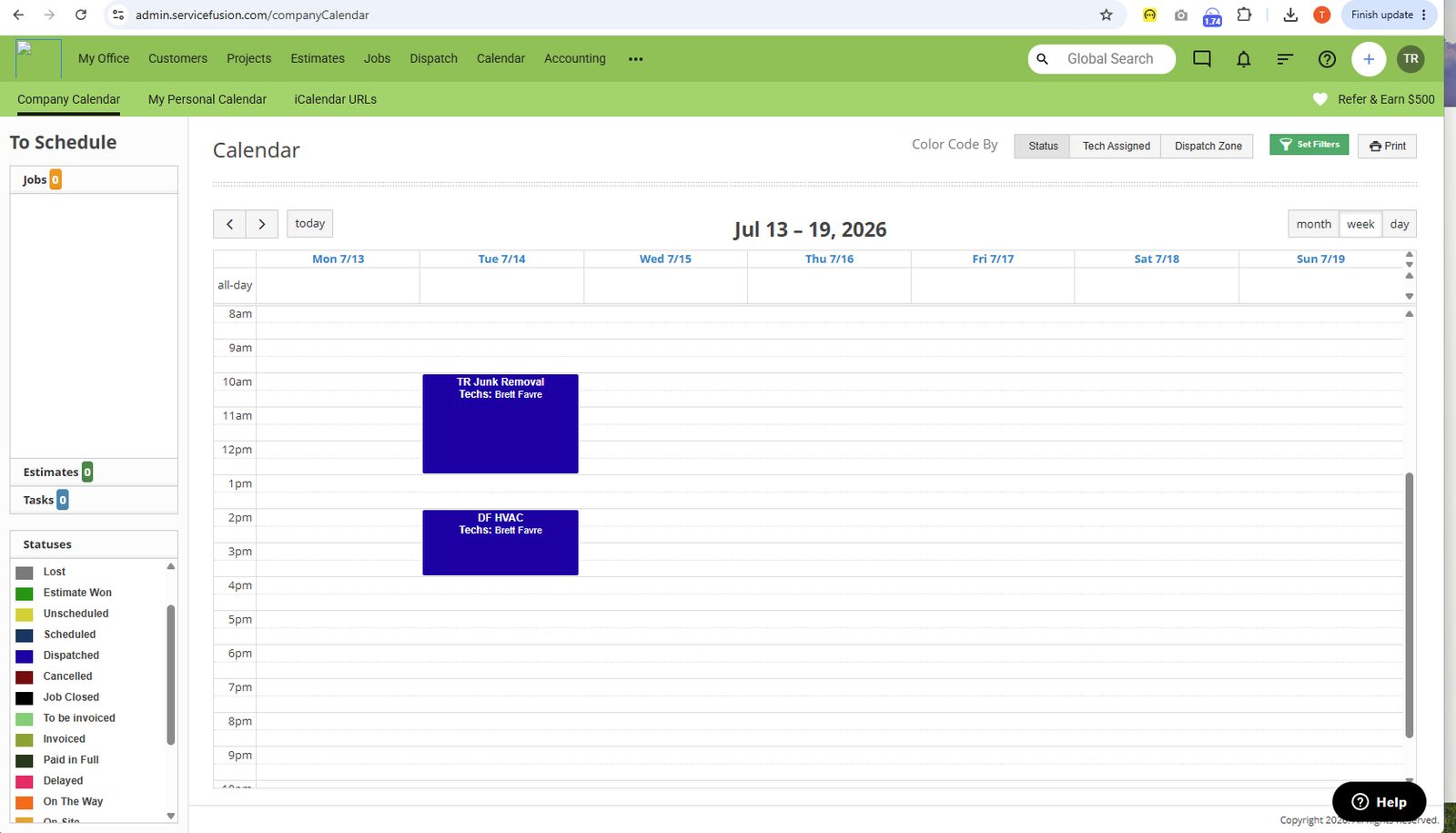
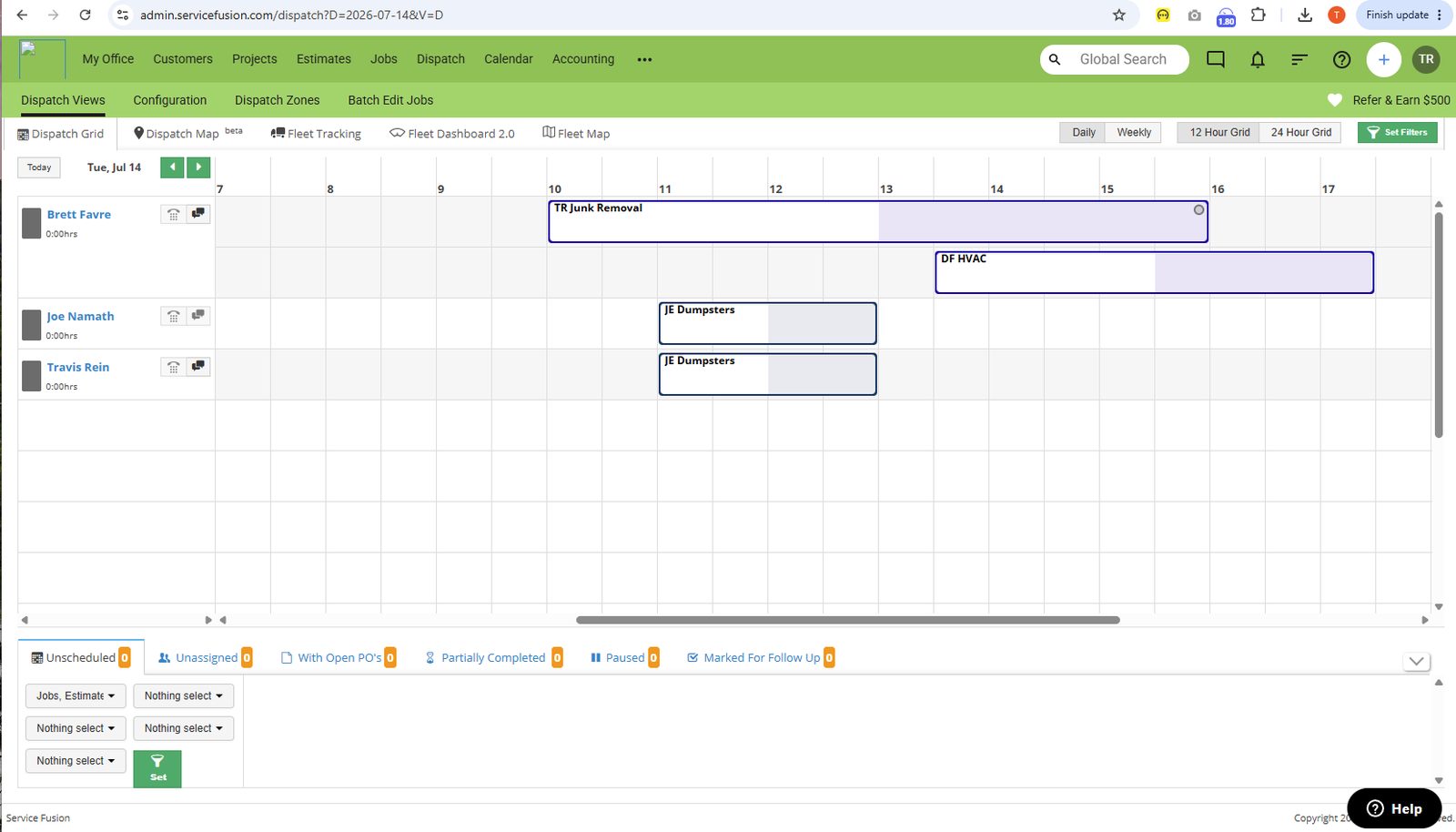
Service Fusion’s week calendar and dispatch board from our hands-on evaluation.
Week and dispatch views from the Service Fusion account we ran. Jobs sit on a crew calendar; the dispatch board is the companion view for assigning work.
Client management
Read moreCustomer records in Service Fusion include equipment, history, and multiple addresses.
Client management
Read more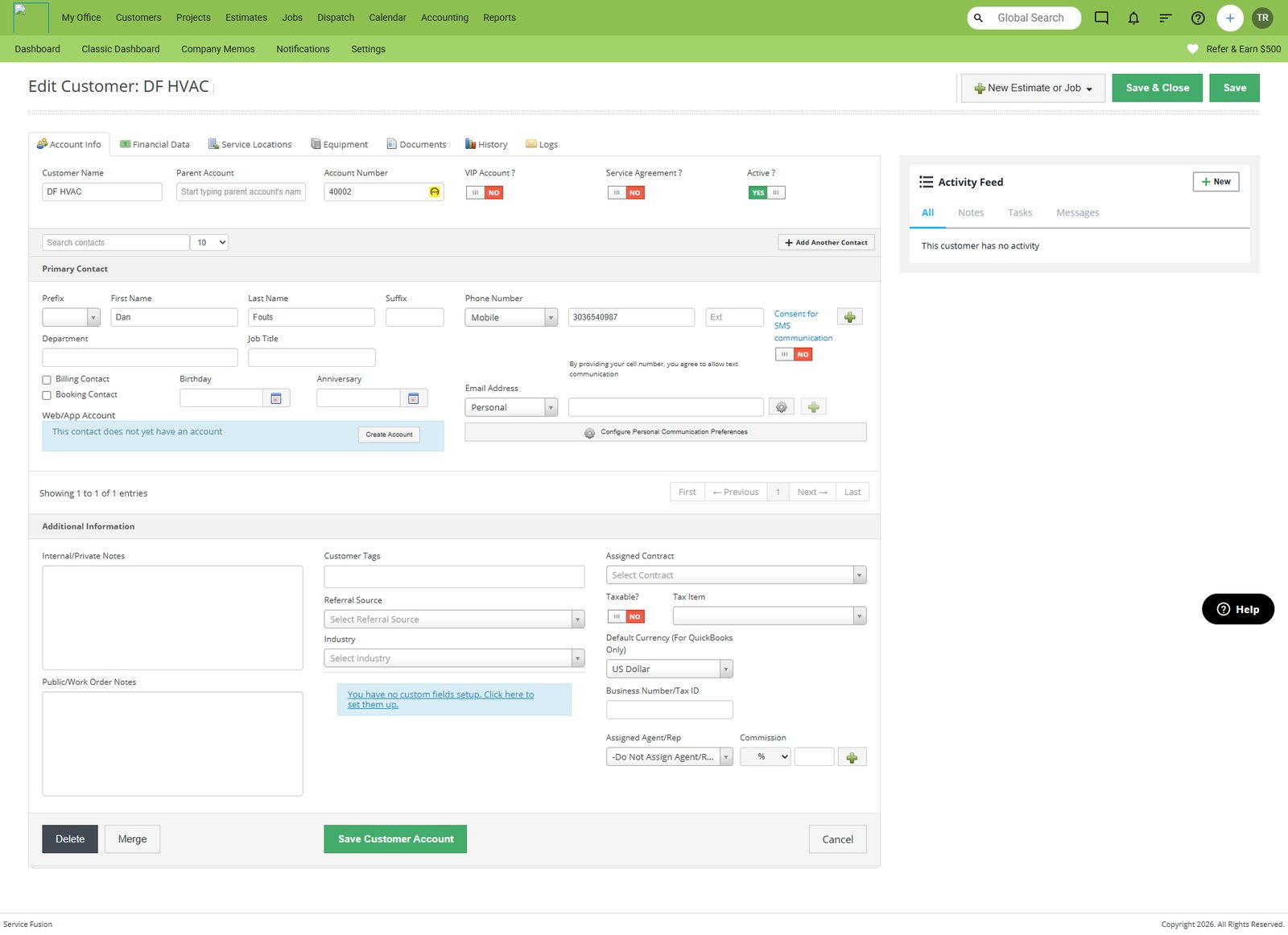
Customer records in Service Fusion include equipment, history, and multiple addresses.
The customer record we used in testing holds contact details plus equipment, financial, history, and multi-address screens.
Estimates and price book
Read moreEstimates send from a price-book-backed catalog in Service Fusion.
Estimates and price book
Read more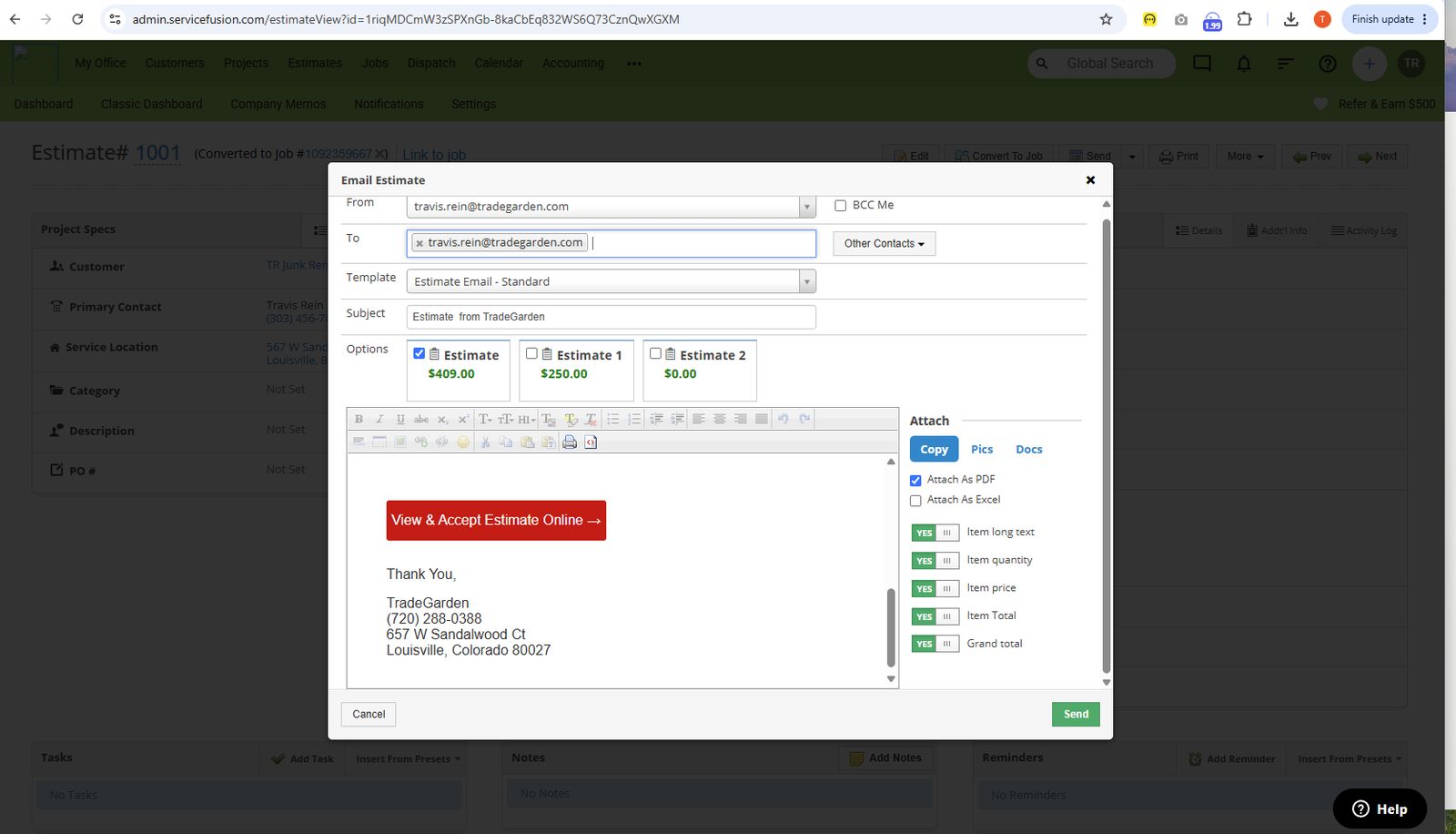
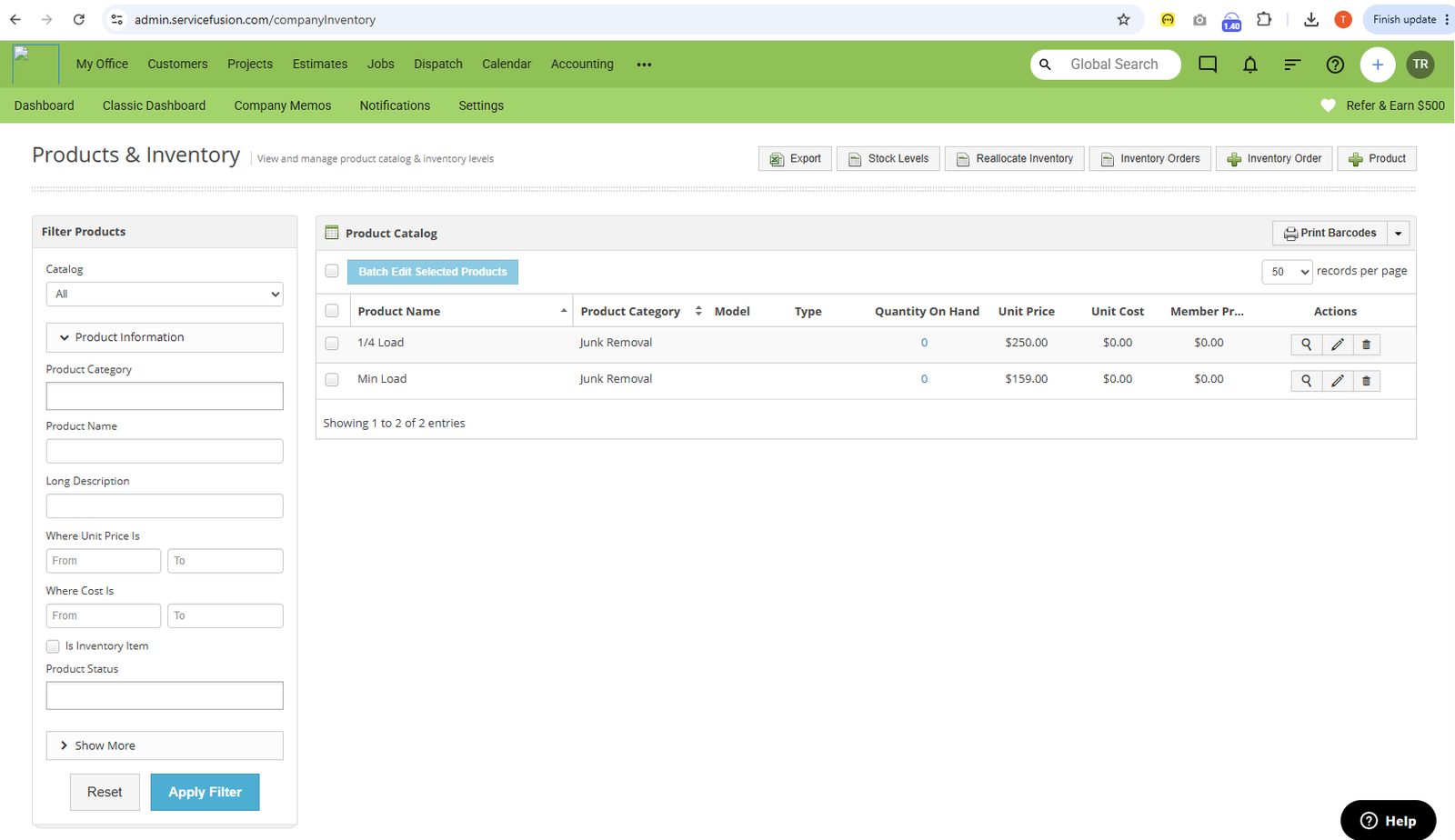
Estimates send from a price-book-backed catalog in Service Fusion.
Quote/estimate send flow and the price-book board from our Service Fusion workspace.
Invoicing and payments
Read moreInvoicing dashboard and receive-payment screens from our Service Fusion testing.
Invoicing and payments
Read more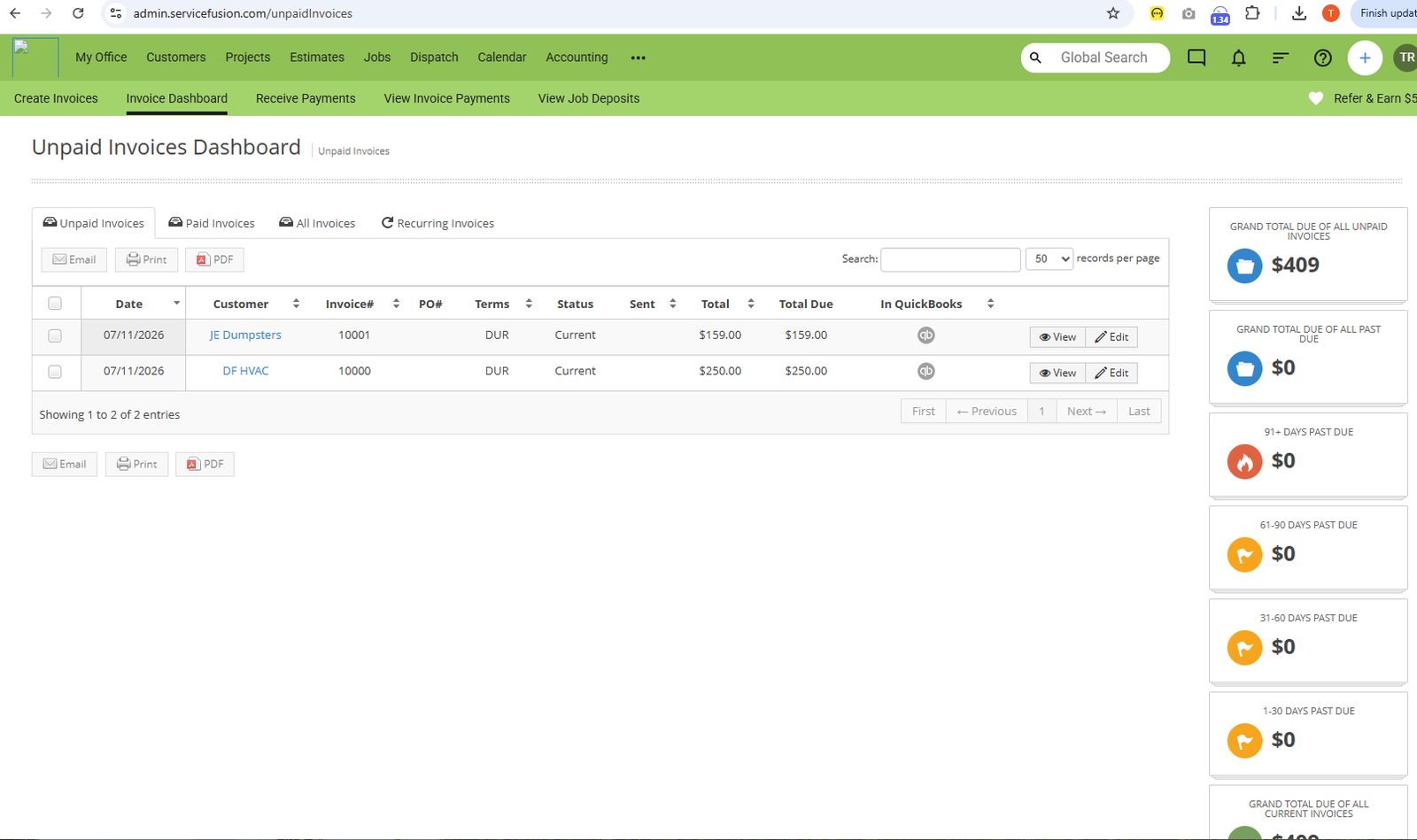
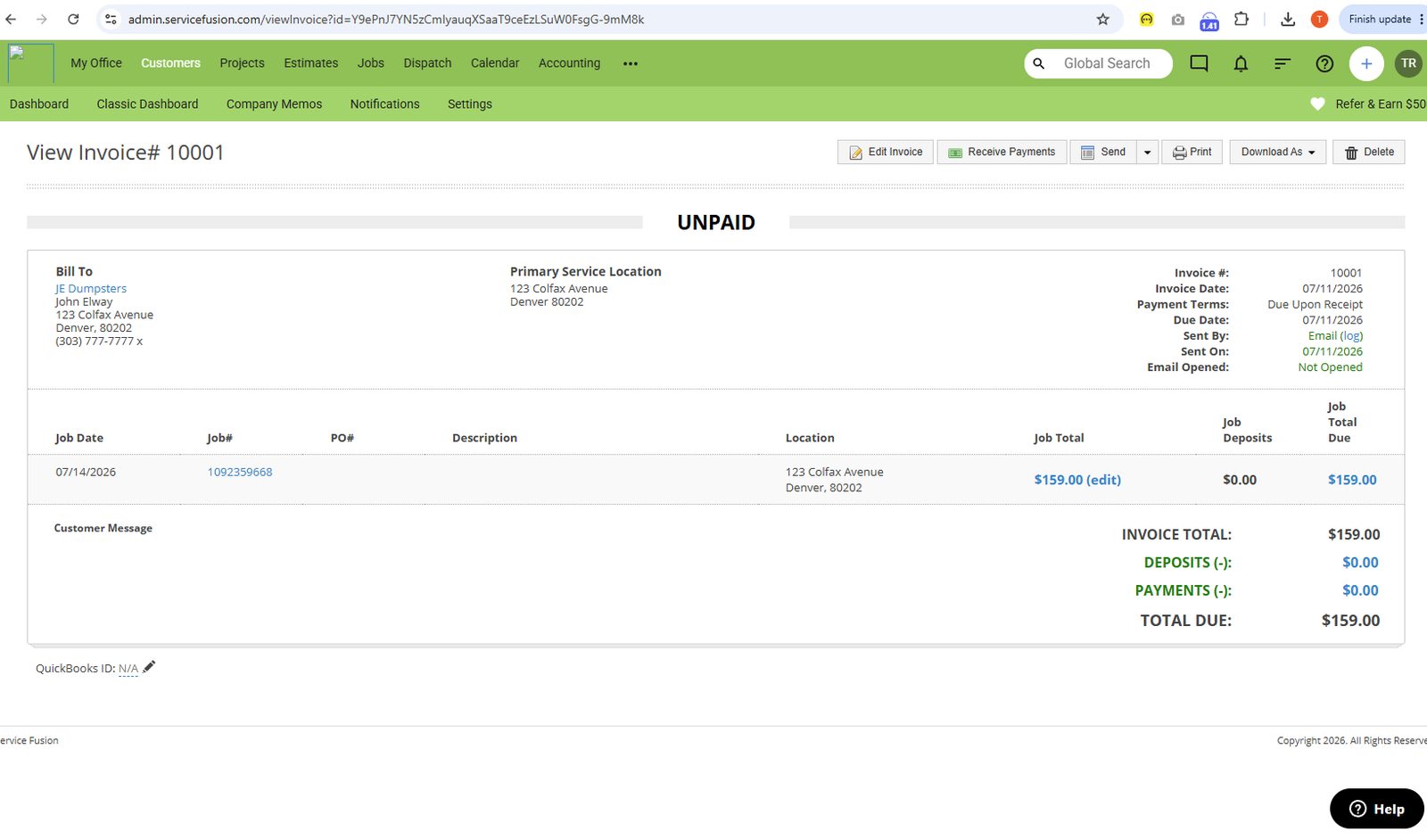
Invoicing dashboard and receive-payment screens from our Service Fusion testing.
The invoicing dashboard and receive-payment options we captured while billing a test job.
Mobile app
Read moreService Fusion’s mobile app from the same evaluation account.
Mobile app
Read more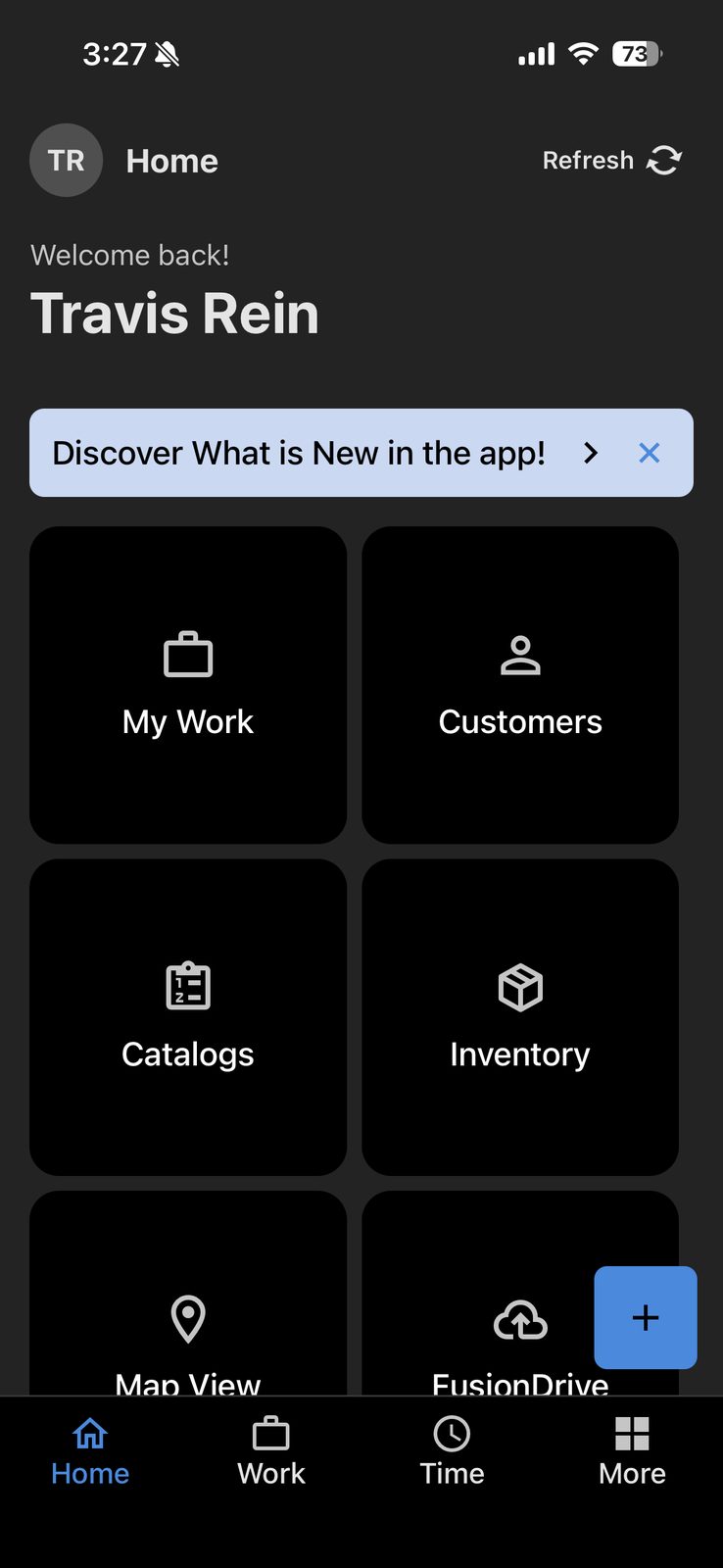
Service Fusion’s mobile app from the same evaluation account.
Mobile capture from our Service Fusion trial — field view of the same account used for the desktop screenshots.
Integrations
Customer Support
Channels
Phone, email, knowledge base
Hours
M-Th 8am-6pm CST, F 8am-5pm CST
Avg Response
Varies by plan and issue complexity